NoteTakerXX
Spatial note-taking on an infinite canvas — place a note anywhere, connect it to another, tag it, find it again.
Notes placed, then linked with rope-style curves. Shift-click picks the second note.
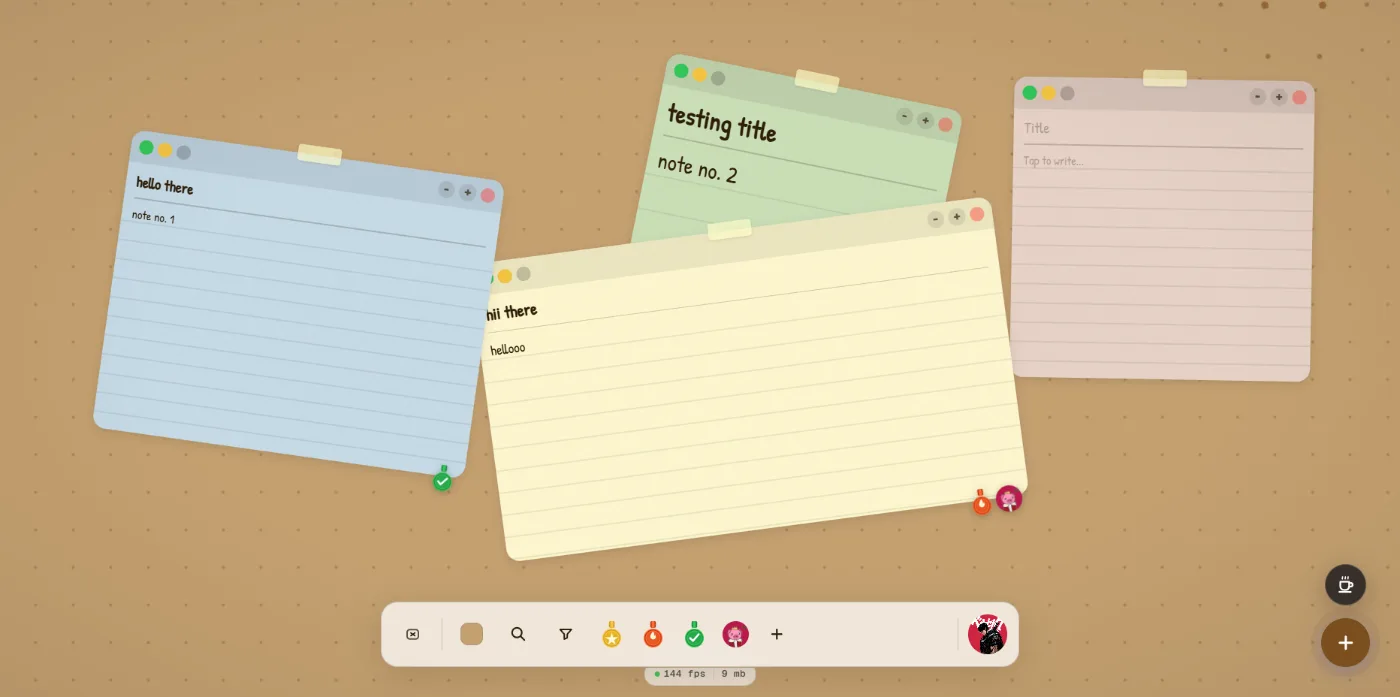
Position is a first-class field, which is what makes everything else spatial.
The details that make it feel physical
A new note lands in an open visible spot rather than under your cursor or on top of something else. Dragging snaps to a grid. Selecting brings to front. Zoom scales canvas content while the dock and HUD stay fixed-size, the way Excalidraw does it.
Ctrl or Cmd plus wheel zooms around the pointer; plain wheel keeps panning. Getting that split right is most of what separates a canvas that feels good from one that fights you.
Structure without a rich-text editor
Bullets from "- ", numbered lists that continue themselves, todos from "[ ] " with checkboxes you can tick in read mode, and a slash-command menu — none of which required pulling in an editor framework.
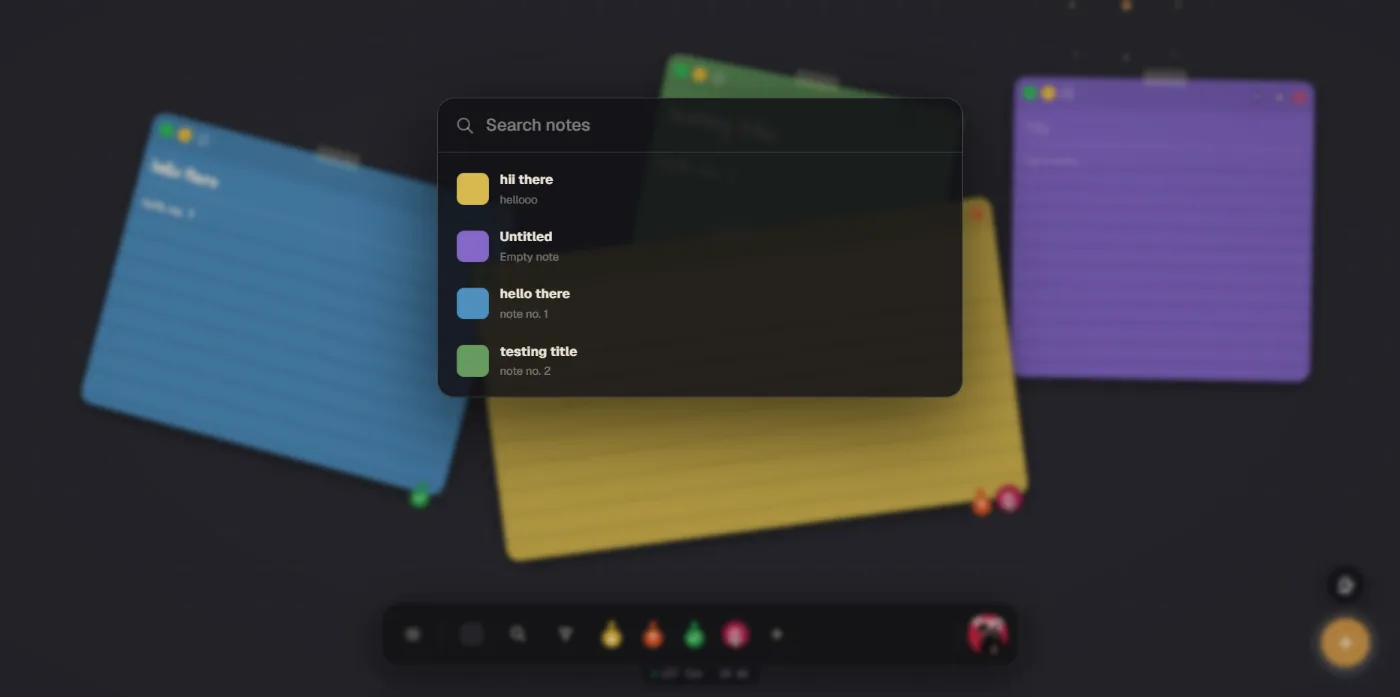
NoteTakerXx
A document reader with a serious text-to-speech engine — Android and Windows — that controls the gap between words.
continue