Tessera
A pixel-art editor whose document is JSON a human can read and hand-edit — and an AI can rewrite.
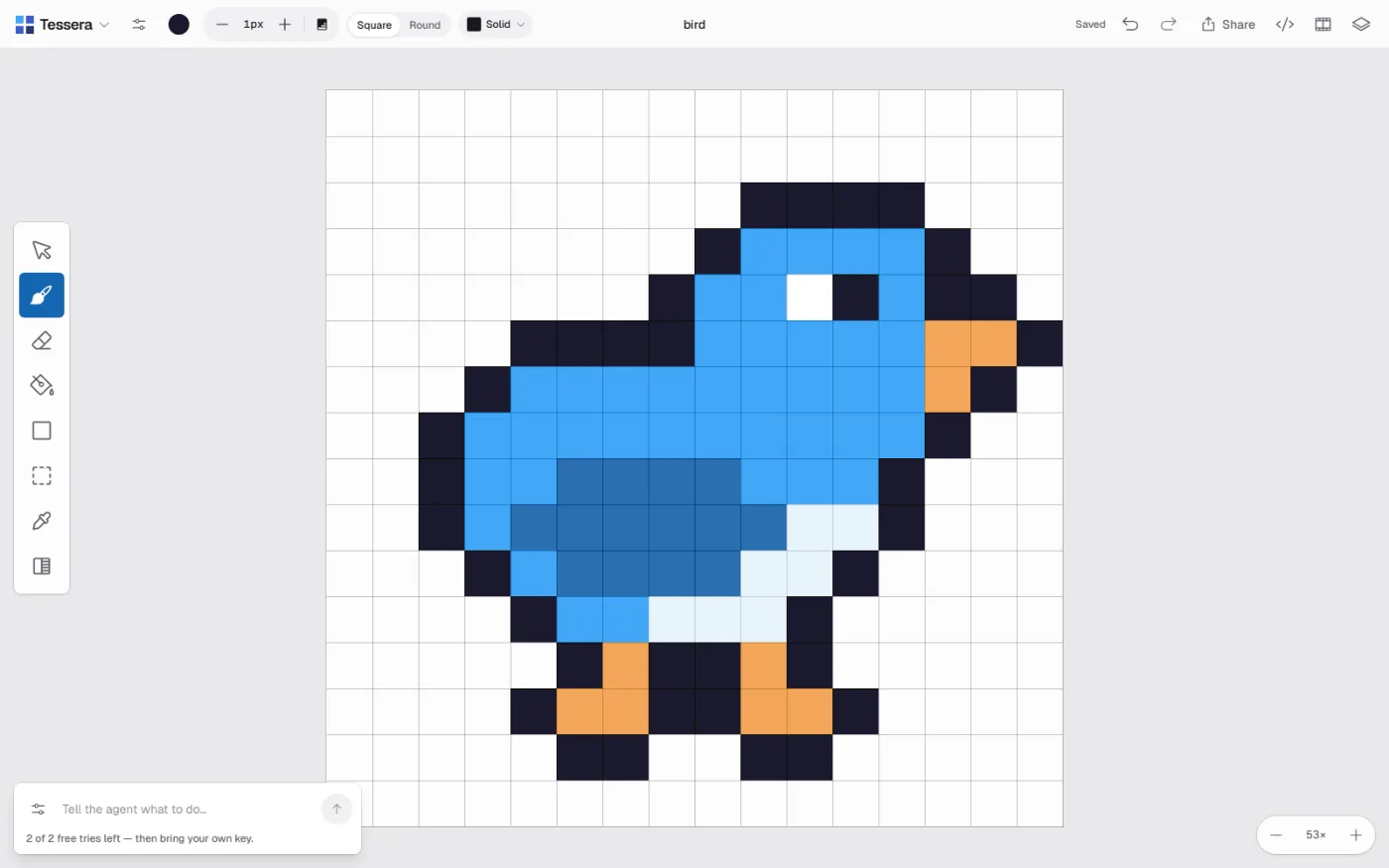
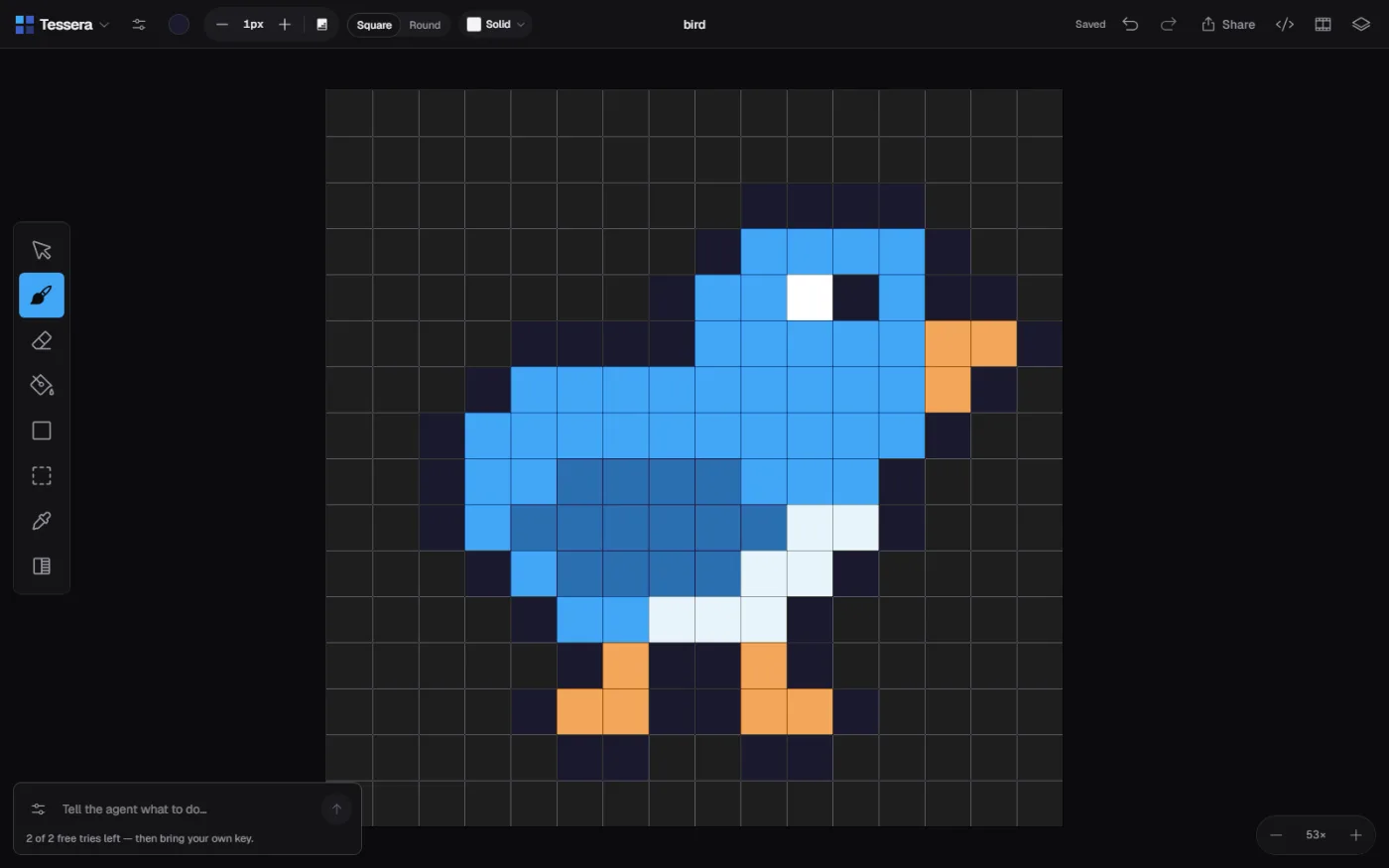
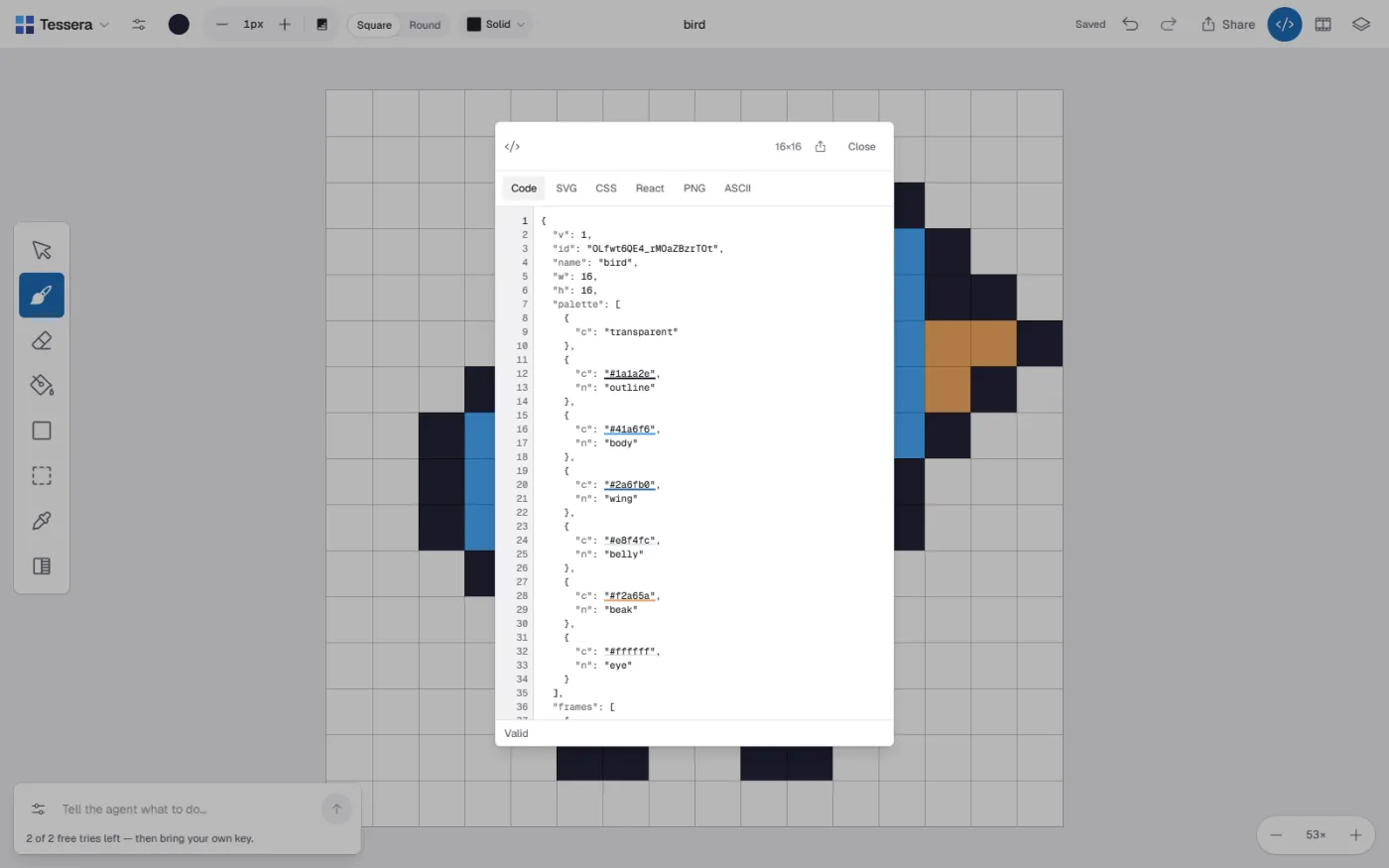
Hover either side. This is the real format, verbatim from the README.
{
  "w": 16, "h": 16,
  "palette": [{ "c": "transparent" },
              { "c": "#2d1b00" },
              { "c": "#f4c430" }],
  "frames": [{ "ms": 100, "layers": [{ "n": "base", "px": [
    "................",
    ".....111111.....",
    "...1122222211...",
    "..122222222221.."
  ]}]}]
}
One character per pixel. “.” is transparent, 1–9 and a–z are palette indices. It is the export, the code panel, and the grid the AI reads — the same text in all three places.
What doesn’t work yet
“The AI produces valid edits that are not good edits.” It reads the artwork correctly, targets the right region, stays inside the canvas — and the results still aren’t ones you’d keep.
The Phase 0 probe run scored 0 of 9, written up honestly with ranked hypotheses for the fix. The plumbing is sound; the taste isn’t there yet.
You see exactly which pixels an edit would touch, and one undo reverses the whole thing.
Tessera
Spatial note-taking on an infinite canvas — place a note anywhere, connect it to another, tag it, find it again.
continue